
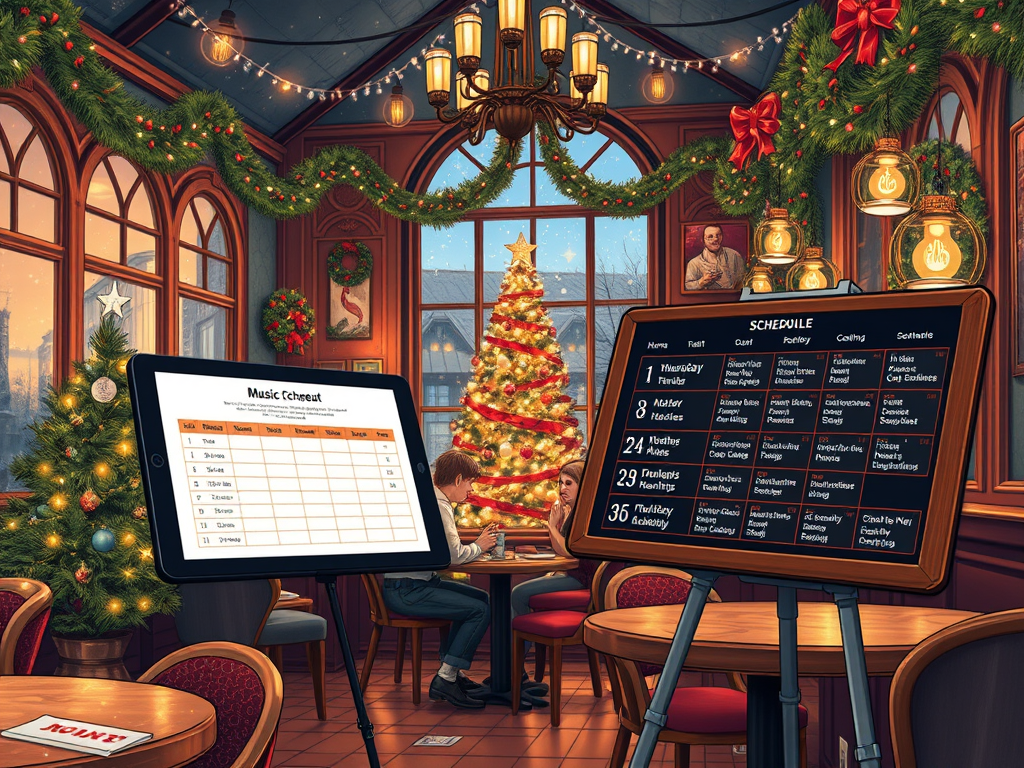
The Melody Pods service has a schedule feature built in to its app to control what mood lists are played at certain times of the day, days of the week and days of the year.
Our schedule service enables you to automate a full year of music to cover any events you regularly or seasonally have every year.
We also provide starter schedules and lists so you can run with a generic system straight away.
To follow is an explanation of the features. Additionally there are YouTube tutorials available linked below.
Schedule Feature Description
- Schedules are a collection of selected mood lists that are set to play at certain times of the day (24 hour clock) and specific days of the week.
- Each mood list is set a duration (start and finish time) to play on those days.
- A Schedule List is a collection of Schedules that are set to play at certain times of the year; for example; a festive schedule list would maybe have a schedule for Mon-Friday and a second schedule for Saturday-Sunday. It could be set to run between mid November to early January. Outside of the days of the year it runs you would choose a different schedule list to run.
- Each Schedule has a range of durations that are attached to a specific mood list.
So in this structure you have the ability to set a range of different music for different times of the day, a range of different music for different days of the week & a range of different music for different times of the year.
You activate the service with the button at the top of the schedule page
You can over rule the system if the mood in your location changes
Notes: Active button in Schedule View enables the schedules to run which is shown by the “Live” lamp in green, but if there is no schedule at a certain time of day or day, then the “live” lamp will be grey and the system automatically hands over control to carousel swipe so users can control the music in these schedule down times.The player will continue to play the last playlist played in rotation.
This means that if there are periods of the day the manager wants to have control then this is how to do it.
The schedule system comes with default configurations to make it easy to start running and using in minutes. It will be updated when new playlists appear also.
In each schedule list, the schedules themselves are selected below and the days they are to run on are shown in orange. The list of playlists with their play timings are displayed.
The days can be selected and deselected. Days shown in blue are selected by another schedule, Days shown in grey are not selected by any schedule in that schedule list. You can select blue and grey days but of course, selecting blue coloured days will deselect them from the other schedule.
The durations will be shown in time order and reorganise themselves accordingly. Only times that are not already take will show in the drop down’s. Any available mood list can be attached to any of the 8 time durations available.
Rota section
Rota enables a Schedule List (a group of schedules) to be set to run at a certain time of the year, eg a festive period such as around December time.
The rota is designed to be set up and left to run each year with only perhaps minor changes if needed.
The schedules are displayed in order of priority and can be rearranged to change the priority order. This means that they scheduling system can have one schedule list that is the default for the whole year and then have different event period schedule lists for different times of the year that take priority for only that period and the system drops back when the event period is over.

